
This guide assumes you’re using Gmail and Foxit Reader, if you are not, the first steps may be different. If you do not have Foxit Reader, you can download here: http://ninite.com/foxit
- Click the file, then click download.
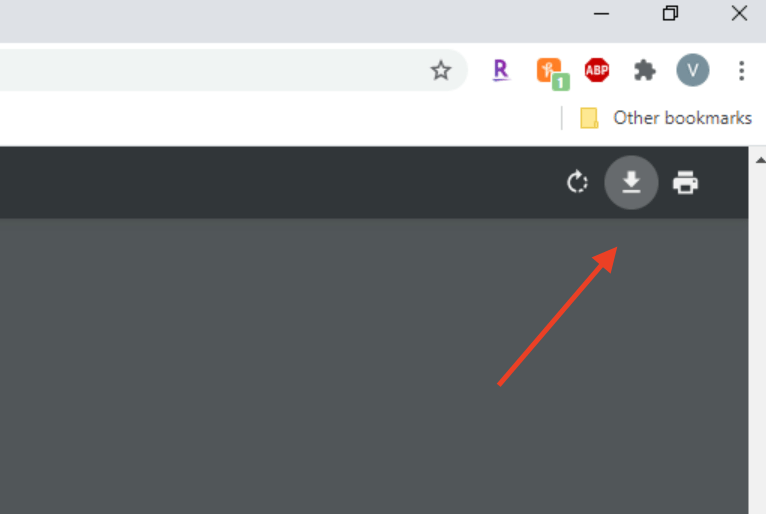
- If prompted, name the file and choose where to save it. Chrome uses the downloads folder by default.
- Open your documents folder, then click Downloads on the left side.
- Double click the file you downloaded.
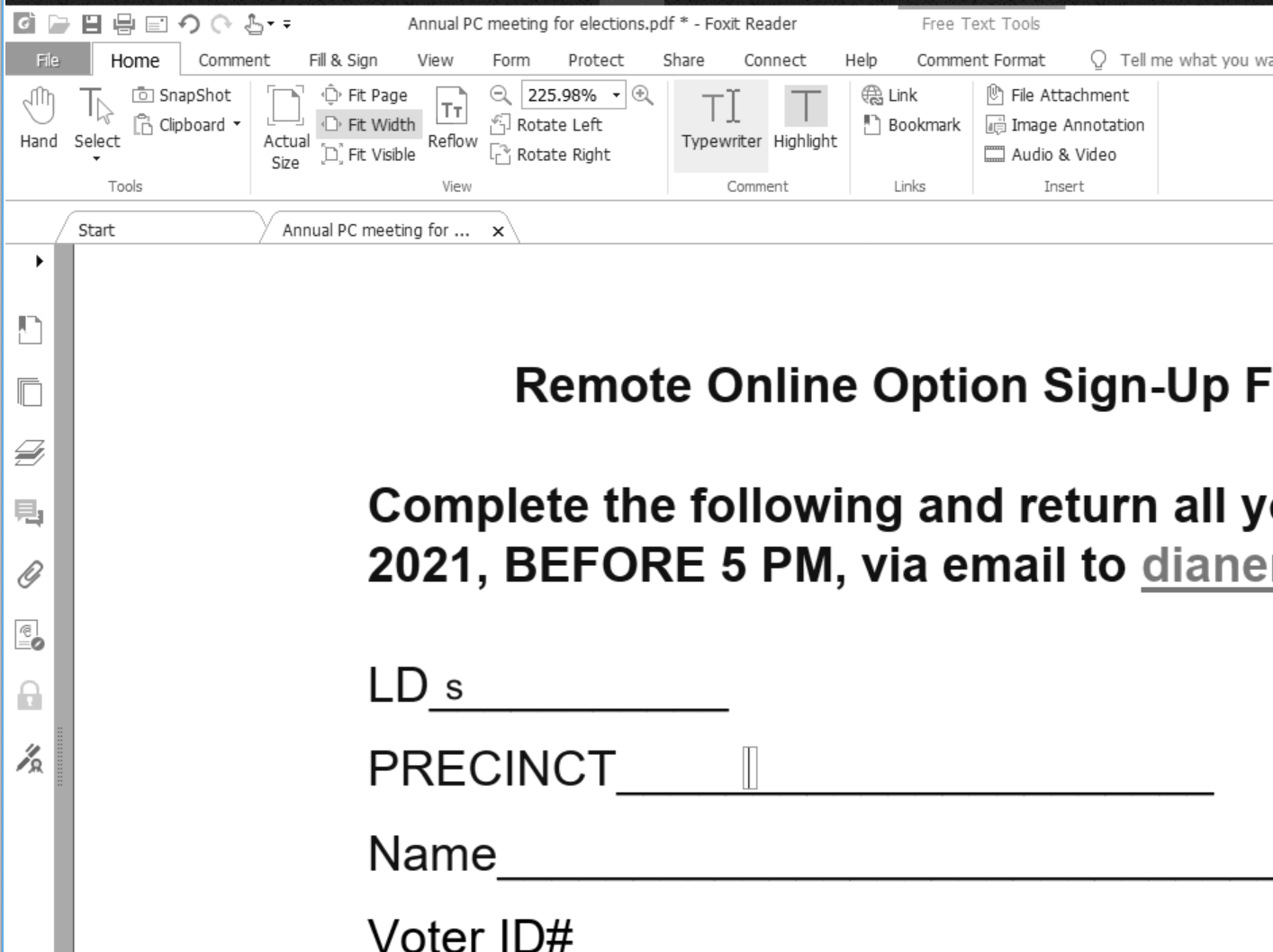
- Click the Home tab, then Typewriter. From there, you can write anywhere on the document.
- When done, click File, Save to overwrite it.

You must be logged in to post a comment.